
Instagram Caption Format: Complete Guide to Formatting Captions (2026)
Getting your Instagram caption format right is one of the fastest, free ways to boost engagement, no algorithm luck required. A wall of unbroken text gets skipped in half a second. A caption with a clear hook, spaced-out body, and a call to action gets read, gets saved, and gets commented on.
This guide covers everything you need: how to format Instagram captions with line breaks, the best caption structures and templates, the tools that do it for you automatically, how Instagram text formatting (bold, italic, fancy fonts) actually works, and since it’s a different job entirely how to format your Instagram bio too.
Why Instagram caption formatting matters more than people think
Instagram’s algorithm rewards dwell time and saves. A caption that’s easy to scan keeps people on the post longer, which signals relevance. A dense paragraph does the opposite — most people bounce before finishing the first sentence. Formatting isn’t decoration; it’s a retention tool.
It also affects how AI-driven search tools and Google’s AI Overviews surface content. Clear structure — short lines, obvious sections — is easier for both humans and language models to parse and quote. If you want your brand’s content to get picked up by AI engines as well as ranked by Google, the same formatting-for-clarity principle applies to your wider content strategy, not just captions.
How to format Instagram captions (step-by-step)
Instagram’s own caption box doesn’t let you press Enter and get a clean line break the way a text editor does — this is the single biggest reason people ask about “Instagram caption format.” Here’s the actual workaround:
- Write your caption in your phone’s Notes app first (or any plain text app), not directly inside Instagram.
- Break it into short chunks — one idea per line or per short paragraph. Two to four chunks is usually enough.
- Add a blank line between chunks by pressing Enter twice.
- Copy the whole thing and paste it into the Instagram caption box. The line breaks carry over correctly when pasted, even though typing them directly inside the app can collapse them on some devices.
- Put hashtags on their own line at the very end, separated from the caption body by a blank line or a few dots.
[ADD IMAGE: instagram-line-break-flowchart.png — alt text: “Flowchart showing how to format Instagram captions with line breaks: write in Notes, break into chunks, add blank lines, paste into Instagram”]
[ADD IMAGE: instagram-caption-format-structure.png — alt text: “Instagram caption format structure showing hook line, spaced body, call to action, and hashtags”]
A simple formula that works for almost any caption
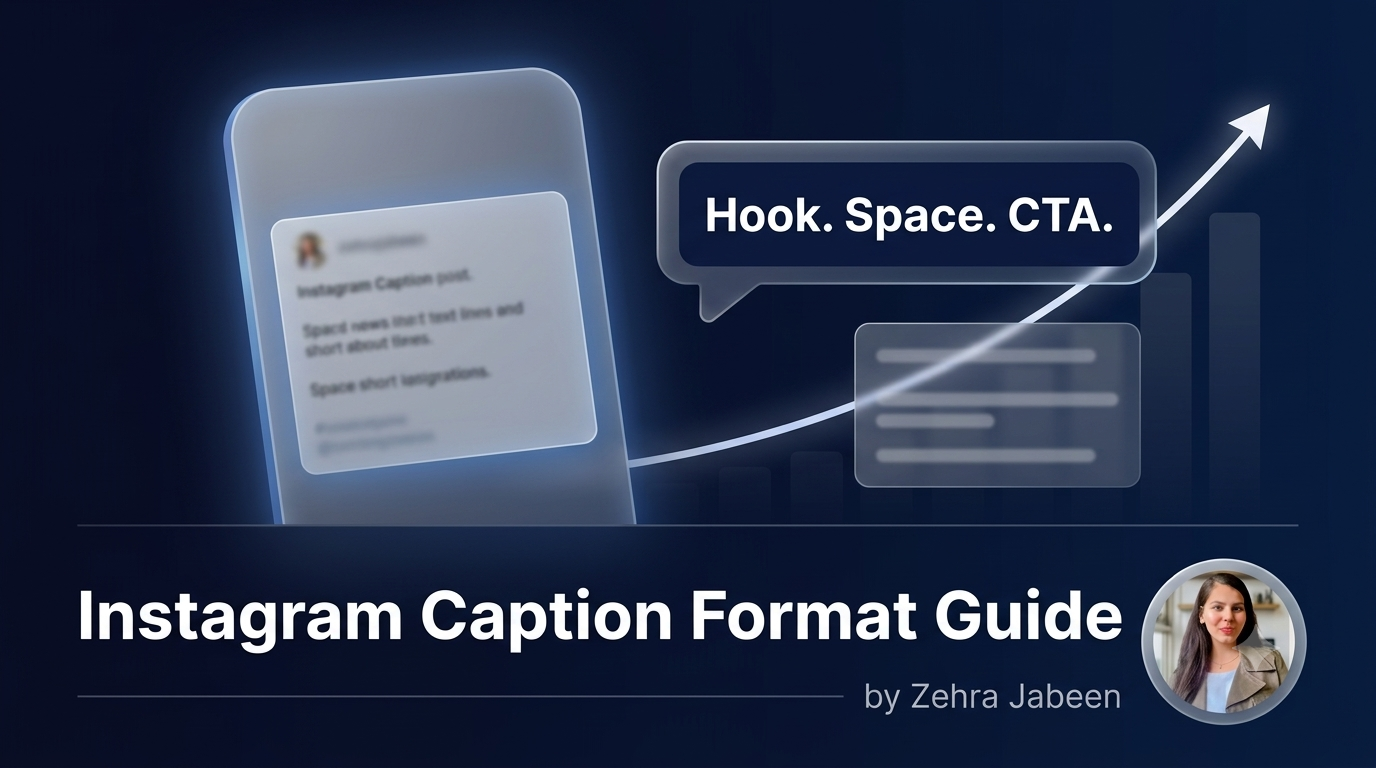
- Line 1 — the hook. A question, a bold statement, or a number. This is what shows before “more” truncates the caption, so it has to earn the tap.
- Middle — the body. Broken into 2–4 short chunks, each one a single idea, each separated by a blank line.
- Last line — the call to action. Tell people exactly what to do: comment a word, save the post, tag a friend, click the link in bio.
- Hashtags — separate, at the bottom. Keep them out of the readable flow.
Instagram caption format ideas you can copy
Different goals call for different structures. A few reliable ones:
[ADD IMAGE: instagram-caption-format-ideas-cards.png — alt text: “Four Instagram caption format ideas: list format, story format, quote format, question-first format”]
1. The list format
Great for tips, product features, or “reasons why” posts.
3 things nobody tells you about [topic]
1. [Point one]
2. [Point two]
3. [Point three]
Which one surprised you? 👇
2. The story format
Good for personal brands, behind-the-scenes content, and case studies.
I almost gave up on [thing].
Here’s what changed.
[Short story, 2–3 lines]
Save this if you needed it today.
3. The quote / one-liner format
Works when the visual is already doing most of the talking.
“[Short, punchy line]”
Tag someone who needs to see this.
4. The question-first format
Built purely to drive comments.
Would you rather [A] or [B]?
No wrong answer — just curious.
Drop it below 👇
For more on what actually drives comments and shares versus what quietly kills them, this breakdown of why content isn’t getting engagement is worth a read alongside this guide.
Instagram caption formatter tools
If you’d rather not do the Notes-app trick every time, a few free tools handle Instagram caption formatting for you — you paste your text in, they add clean line breaks, and some also generate stylised Unicode fonts:
- IG Fonts style generators — paste plain text, get bold, italic, or “aesthetic” Unicode versions.
- Caption/line-break generator tools — paste a paragraph, get it reformatted with proper spacing ready to copy into Instagram.
- Notes app method — still the most reliable, free, and doesn’t rely on a third-party site having your text.
Whichever formatter you use, always paste the result into Instagram and preview it before publishing — some fonts render inconsistently across Android and iOS, and a broken caption looks worse than a plain one.
Instagram text formatting: bold, italic, and fancy fonts
Instagram doesn’t have a native bold or italic button in captions. Every “bold Instagram caption” you’ve seen is actually made of special Unicode characters that look bold or italic but are technically a different character set entirely. This is how Instagram text formatting tools work:
- You type normal text into a font generator.
- The tool swaps each letter for a matching Unicode character that visually resembles bold, italic, script, or “bubble” text.
- You copy the output and paste it directly into your caption or bio — no app permissions needed, because it’s just text, not a formatting command.
Two things to know before you use them:
- Screen readers often can’t interpret Unicode “fancy” characters properly, which hurts accessibility for visually impaired followers — use it sparingly, and never for your entire caption.
- Instagram’s search doesn’t always index stylised Unicode characters the same way it indexes plain text, so keep your core keywords in normal text if you want your captions to be searchable.
Instagram bio formatting (it’s a different job than captions)
Bio formatting gets bundled in with caption formatting in a lot of searches, but it’s solving a different problem: you have 150 characters, no clickable links except one, and it needs to work as a permanent shop window rather than a one-off post.
A clean, well-formatted bio usually follows this structure:
- Line 1 — who you are or what you do, in plain language, not just a job title.
- Line 2 — the result or proof point (a number, a credential, a location).
- Line 3 — a nudge toward the link (“👇 New drops every Friday” or “Book a free call below”).
Line breaks in bios work the same way as captions — write it in Notes, add the breaks, paste it in. Emoji used as simple dividers (a single arrow, a small icon) can replace bullet points where character count is tight, but overloading a bio with emoji reads as cluttered rather than organised.
A quick note on cross-platform formatting
The formatting logic above isn’t Instagram-only. Businesses running Snapchat alongside Instagram face a similar issue — Snapchat captions and profile text are even more space-constrained, so the same “hook first, one idea per line, clear next step” approach carries over. If Snapchat is part of your channel mix, treat it as a shorter, punchier version of the same formatting rules, not a separate skillset to learn from scratch.
Common Instagram caption formatting mistakes
- Typing line breaks directly in the Instagram app instead of pasting them from Notes — they often collapse.
- Hashtags mixed into the caption body instead of separated at the bottom.
- No hook — burying the interesting line three sentences down, after the “more” cutoff.
- Overusing stylised fonts, which hurts readability and accessibility.
- No call to action, leaving people unsure what to do after reading.
Frequently asked questions
How do you format an Instagram caption with line breaks?
Write your caption in a Notes app, press Enter twice between sections to create blank lines, then copy and paste the whole caption into Instagram. Typing directly into the Instagram caption box often collapses line breaks, especially on Android.
Why won’t my Instagram caption keep the line breaks?
This usually happens when line breaks are typed directly into the app rather than pasted in. Draft the caption elsewhere with the spacing already in place, then paste the complete text into Instagram.
What’s the best Instagram caption format for engagement?
A short hook line, a body broken into 2–4 spaced chunks with one idea each, a clear call to action, and hashtags separated at the end. This structure keeps the caption scannable and gives people an obvious next step.
Is there a free Instagram caption formatter?
Yes — several free web-based tools reformat pasted text with clean line breaks or convert it into stylised Unicode fonts. The Notes app method works just as well without relying on a third-party site.
How do I format my Instagram bio?
Keep it to three short lines: what you do, your proof point or credential, and a nudge toward your link. Draft it with line breaks in Notes first, the same way you would a caption, then paste it into the bio field.
Formatting is the easy 20% of Instagram growth. The other 80% — what to actually post, when, and how it fits into a wider strategy — is where most accounts get stuck. That’s the kind of thing covered in the 5 Instagram mistakes that kill growth and in social media marketing services if you’d rather hand the strategy side off entirely. And if search visibility beyond Instagram is the goal, SEO strategy support is worth a look too.